Creating a successful online magazine is not just about publishing great content. Your website also needs a layout that helps readers discover stories, explore categories, and keep coming back for more.
Whether you’re launching an online magazine, digital newspaper, or a niche publication, a dedicated magazine theme provides homepage layouts, featured content sections, and publishing tools designed specifically for content-heavy websites.
To save you the time of searching through countless options, we have reviewed the best WordPress magazine themes in 2026 based on design flexibility, publishing features, performance, customization options, ease of use and overall usability.
Methodology
We reviewed each theme based on the features that matter most for online publishers. Our evaluation focused on magazine-specific layouts, featured content sections, category organization, advertisement support, customization options, performance, Gutenberg compatibility, SEO-friendly design, and overall publishing experience.
We also reviewed official documentation, pricing, update history, user ratings, and support quality to ensure each recommendation is reliable. The themes included in this list are suitable for different publishing needs, from personal blogs to large editorial and news websites.
Quick Comparison Table
| Theme | Best For | Free Plan | Starting Price | Standout Feature |
| WENS Press Pro | Online magazines, news websites, and editorial publishers | Yes | $59/year | 9 ready-made magazine demos with advanced Gutenberg blocks |
| Newspaper by tagDiv | Large news portals and high-traffic publications | No | $59 (one-time) | 155+ website demos and advanced editorial tools |
| ColorMag | Beginners looking for a dedicated magazine layout | Yes | Free/$69/year | Magazine-style homepage with widget-based sections |
| Jannah | News websites and viral content publishers | No | $59 (one-time) | Reader engagement and monetization features |
| MH Magazine | Classic editorial and news websites | Yes | $79/year | Fully widgetized magazine homepage |
| SmartMag | Modern online magazines and digital publishers | No | $59 (one-time) | Modern editorial demos with integrated review system |
| Herald | Flexible editorial layouts | No | $69 (one-time) | 500+ articles and homepage layout combinations |
| Bimber | Viral magazines and community-driven websites | No | $59 (one-time) | Built-in quizzes, reactions, and viral content formats |
| Publishers | Large editorial and magazine websites | No | $69/year | 97+ demos with included premium publishing tools |
| MagazineNP | Beginners and growing online magazines | Yes | $49/year | Clean magazine layouts with easy customization |
| ChromeNews | Feature-rich free magazine websites | Yes | $59 (one-time) | Premium-style magazine layouts with rich publishing features |
| HitMag | Simple magazine blogs and editorial websites | Yes | $49/year | Lightweight magazine layout with multiple blog styles |
What to Look for When Choosing a WordPress Magazine Theme
Choosing a WordPress magazine theme is not only about finding a design that looks good. Your theme should help you organize content, improve readability, and support your publication as it grows. Before choosing a theme, focus on these important features.
1. Flexible Homepage Layouts
Your homepage should showcase more than the latest posts. Look for themes with featured sections, category grids, breaking news areas, and customizable content blocks that help readers explore your publication.
2. Category-Based Content Organization
Magazine websites usually cover multiple topics. A good theme should display categories clearly and make it easy for visitors to move between sections such as business, travel, technology, or lifestyle.
3. Editorial Publishing Features
Look for features designed specifically for magazine websites, such as breaking news tickers, featured story sections, trending posts, editor’s picks, review systems, or multiple article layouts. These tools help create a more engaging reading experience.
4. Built-in Layout Builder and Gutenberg Support
Many magazine themes include modular homepage builders or custom Gutenberg blocks for creating editorial layouts. These built-in tools let you arrange featured content and category sections without writing code or installing extra plugins.
5. Advertisement and Monetization Options
If you plan to generate revenue, choose a theme with dedicated ad locations and support for sponsored content, affiliate marketing, memberships, or WooCommerce. Built-in advertising areas simplify monetization as your audience grows.
6. Ready-Made Demo Websites
Professionally designed demos help you launch faster. Choose a theme that includes magazine layouts matching your niche, whether you’re building a news portal, lifestyle magazine, or niche publication.
7. Readability and Typography
Readers spend most of their time consuming content. Clean typography, balanced spacing, and well-structured article layouts improve readability across desktops, tablets, and smartphones.
8. Performance for Content-Rich Websites
Magazine homepages often contain sliders, article grids, thumbnails, and advertisements. A lightweight theme helps these elements load efficiently while supporting Core Web Vitals and a smoother browsing experience.
9. Multimedia Support
If your publication includes videos, podcasts, image galleries, or product reviews. You should choose a theme that supports these content formats without requiring extensive customization.
10. Regular Updates and Support
WordPress changes frequently, so your theme needs ongoing maintenance. Regular updates ensure compatibility with new WordPress versions, improve security, and fix potential issues. Reliable documentation and support are also valuable when you need help configuring your website.
11. Scalability for Future Growth
Your magazine may start with a handful of categories, but it should be able to grow as your audience expands. Choose a theme that supports additional content sections, multiple authors, and new monetization opportunities without requiring a complete redesign. A scalable theme saves time and helps your website adapt to future needs.
The Best WordPress Magazine Themes in 2026
The best WordPress magazine themes include WENS Press Pro, Newspaper, ColorMag, Jannah, MH Magazine, SmartMag, Herald, Bimber, Publisher, MagazineNP, ChromeNews, and HitMag.
Each theme offers a different mix of layouts, customization options, performance, and publishing features, making it easier to choose one that matches your magazine’s style and content needs.
1. WENS Press Pro: Best for Launching Your First Magazine Blog
WENS Press Pro is built specifically for online magazines, news portals, and editorial websites. Its nine ready-made demos help you launch a professional publication without starting from scratch. For users looking for a cost-effective option, WEN Press is also available as a free version and is considered one of the best free WordPress magazine themes for creating content-focused websites.
What makes WENS Press Pro stand out is its focus on modern magazine publishing workflows. The theme includes advanced Gutenberg blocks for post sliders, featured showcases, tabs, breadcrumbs, search sections, and dynamic content layouts that help organize large volumes of articles.
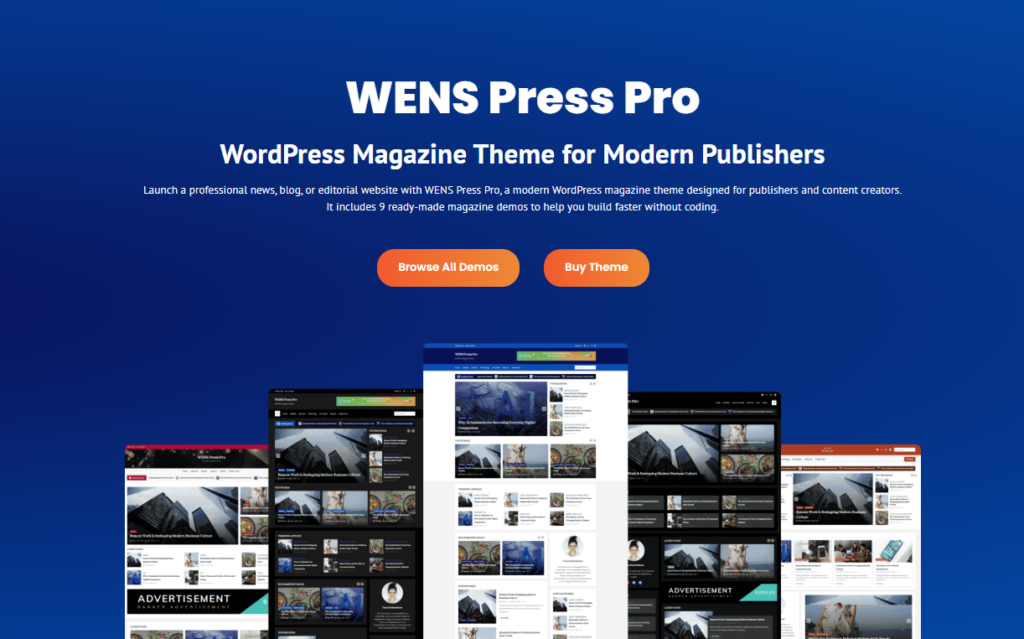
You can highlight breaking news, editor picks, trending stories, and category-based content while keeping your homepage structured and easy to navigate. It also includes a lightweight structure, responsive layouts, SEO-friendly code, and monetization-ready sections for ads, sponsored posts, and affiliate promotions.
Verdict: WENS Press Pro is an excellent choice for publishers who want a dedicated magazine theme with Gutenberg-based customization. Its ready-made demos and editorial-focused features make it a practical foundation for building a professional content-driven website.
If you’re starting from scratch, you can also follow our guide on how to create an online magazine website with WordPress to learn how to choose hosting, install WordPress, and launch your publication step by step.
2. Newspaper by tagDiv: Best for Large-Scale News Publishing
One of the most established WordPress themes for editorial websites, Newspaper by tagDiv is built for publishers who manage a constant flow of content. The theme includes 150+ pre-built website demos, a dedicated cloud library of article templates, and a review system built for editorial teams publishing multiple stories a day.
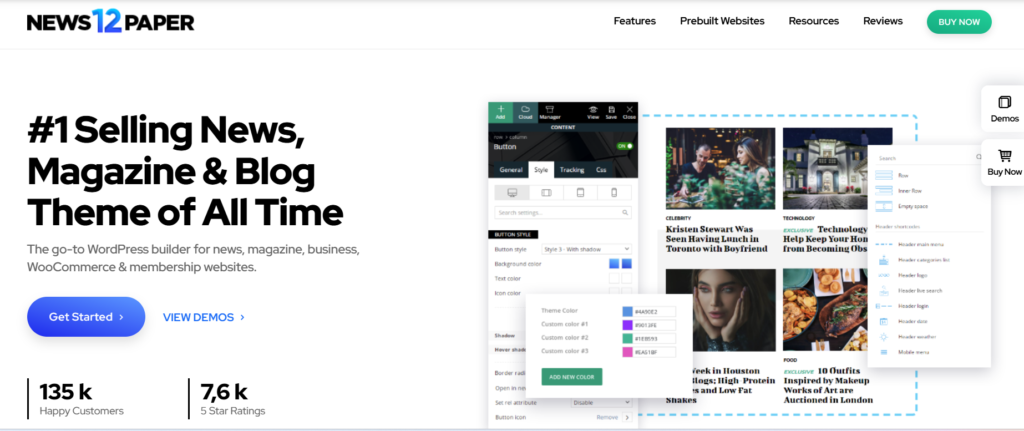
What sets Newspaper apart is its complete publishing toolkit. It includes the tagDiv Composer, Template Builder, and flexible category and article templates. Built-in WooCommerce support, membership and paywall options, and smart content blocks help organize large volumes of articles.
Verdict: Newspaper offers the stability and flexibility needed to support growing publications, making it a trusted choice for long-term editorial success.
3. ColorMag: Best Free Option for a Widget-Based Homepage
ColorMag proves that you don’t need a premium theme to build a professional-looking magazine website. With more than 40,000 active installations on WordPress.org, it remains one of the most popular free themes for news sites, online magazines, and editorial blogs.
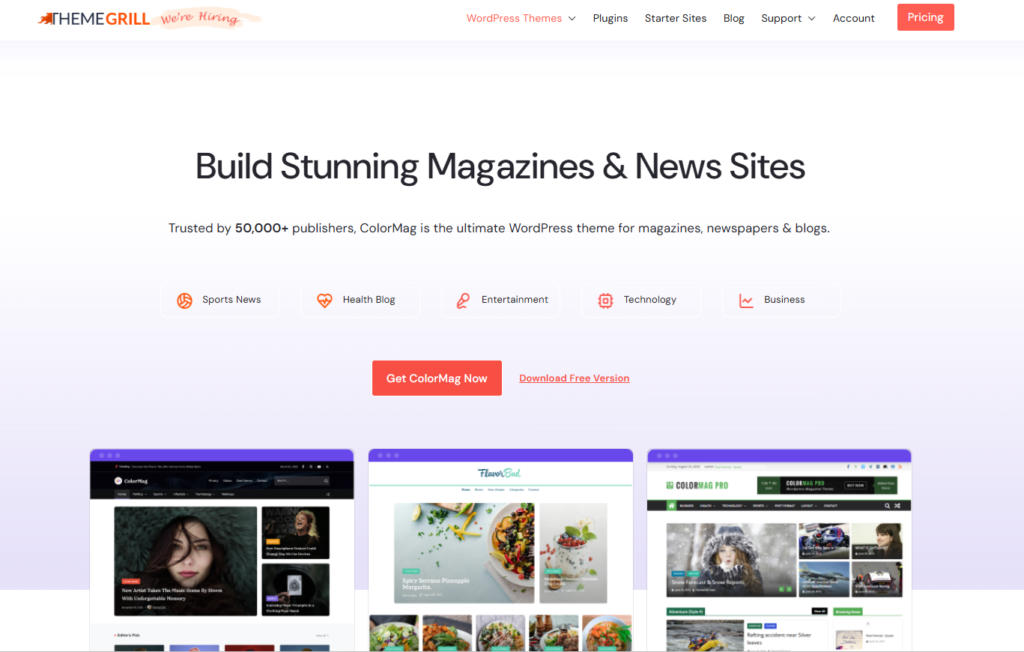
Rather than using a page builder, ColorMag relies on widget-based homepage sections to organize featured stories, categories, and recent posts. This keeps the setup process familiar for anyone who has used the WordPress Customizer, while also reducing the need for additional plugins.
Verdict: ColorMag is worth starting with if you’re launching your first magazine website on a limited budget. As your publications grow, upgrading to the Pro version gives you more flexibility without requiring a complete redesign.
4. Jannah: Best for Content-Heavy News Websites
Built for publishers who want readers to stay longer and explore more content, Jannah goes beyond a traditional magazine layout. Developed by TieLabs, the team behind the popular Sahifa theme, it combines modern editorial designs with engagement-focused features such as AJAX navigation, mega menus, article reviews, and built-in social sharing. With dozens of ready-made demos and one-click installation, it’s easy to launch a professional-looking publication without starting from scratch.
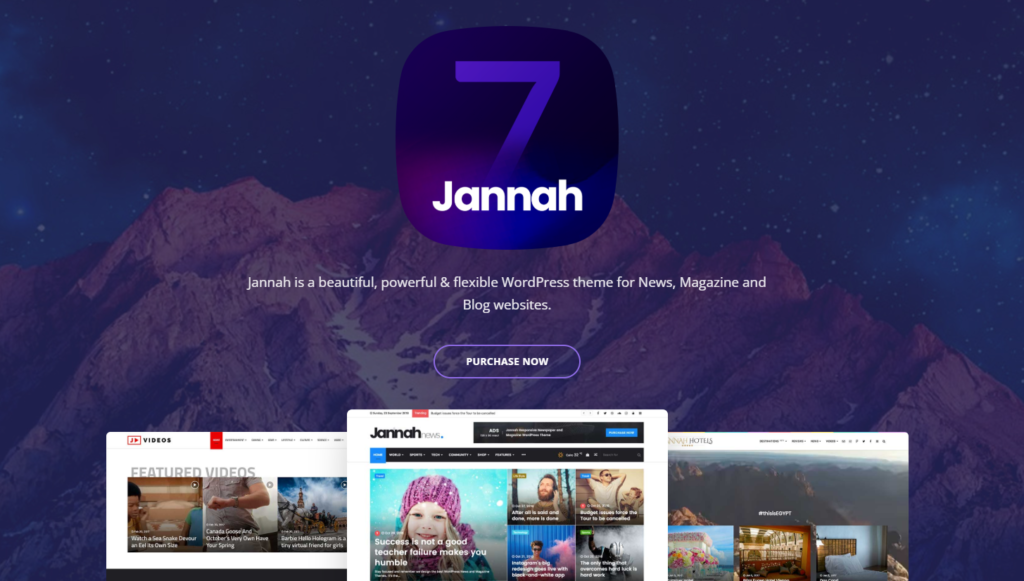
Jannah is particularly strong for content-heavy websites. It includes AMP support, WooCommerce integration, BuddyPress and bbPress compatibility, responsive Google AdSense placements, video playlists, GIF support, and web push notifications. Flexible article layouts also help publishers organize large amounts of content and improve reader engagement.
Verdict: If growing reader engagement is one of your priorities, Jannah offers the right mix of design and interactive features to encourage visitors to explore more content.
5. MH Magazine: Best for Widget-Based Editorial Websites
MH Magazine is a dedicated WordPress magazine theme built for news websites, online magazines, and editorial blogs. Its fully widgetized homepage lets you organize featured stories, category sections, breaking news, and advertisements without relying on a page builder.
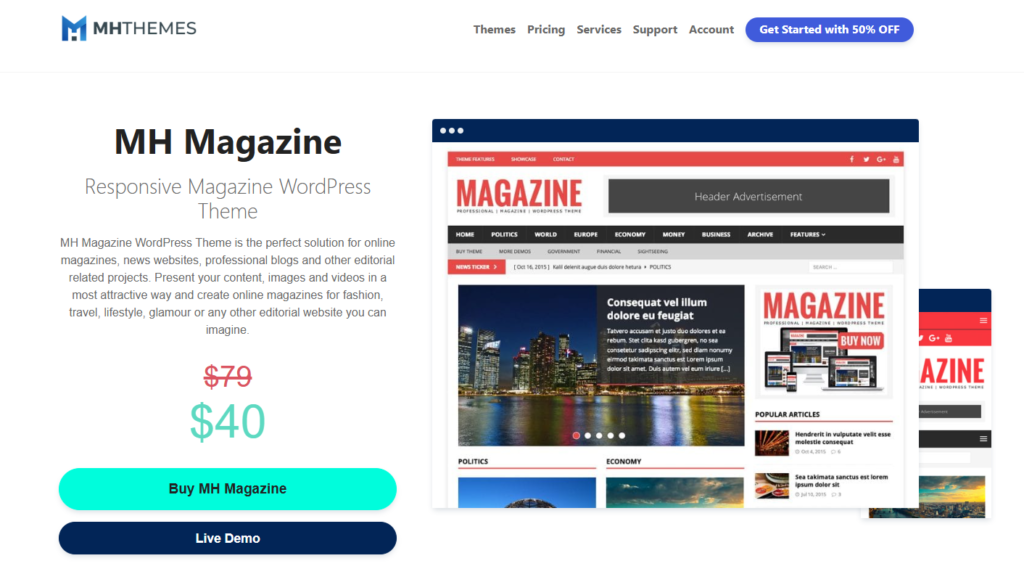
The theme includes custom widgets, multiple homepage widget areas, flexible layouts, built-in advertising support, and extensive customization through the WordPress Customizer. This allows you to create a structured editorial homepage without adding unnecessary complexity.
Verdict: A practical choice if you prefer a classic magazine layout that is easy to manage and scales well as your publication grows.
6. SmartMag: Best for Modern Online Publications
SmartMag is a premium magazine theme designed for news websites, online magazines, and professional blogs. It combines modern layouts with flexible customization, making it suitable for publishers who want a polished editorial website without extensive setup.
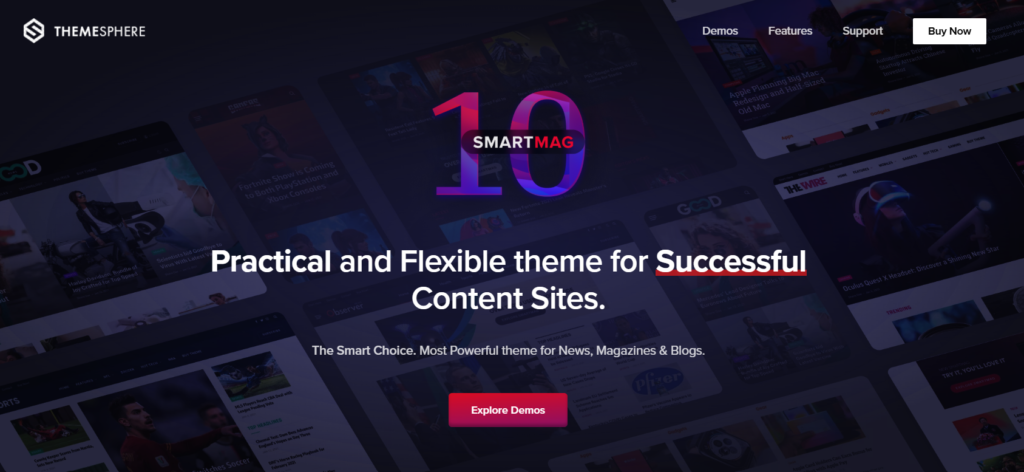
The theme offers multiple pre-built demos, advanced category layouts, mega menus, dark mode, built-in review features, WooCommerce integration, and flexible advertising areas. It supports Gutenberg while remaining compatible with Elementor for additional layout flexibility.
Verdict: SmartMag delivers a premium publishing experience without overwhelming you with a complicated setup.
7. Herald: Best for Flexible Editorial Layouts
Herald gives publishers the freedom to create a magazine website that matches their editorial vision without feeling restricted by preset designs. With more than 500 homepage variations, modular content sections, and multiple post layouts, you can build a unique publication tailored to your content and audience.
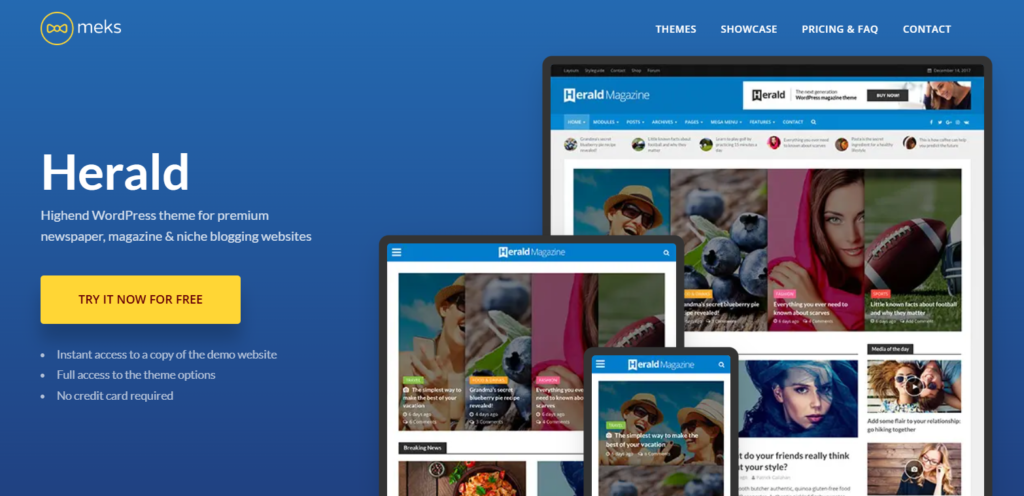
Beyond layouts, Herald includes a modular header builder, unlimited sidebars, built-in advertising areas, WooCommerce compatibility, and performance optimization options. These features help you create a polished editorial website while keeping day-to-day management simple.
Verdict: Herald is a great fit for established magazines and multi-category publications that want the flexibility to evolve their design as their content grows.
8. Bimber: Best for Viral and Community-Driven Magazines
Bimber is designed for websites that thrive on social sharing and user engagement. Instead of focusing on traditional editorial layouts, it helps you publish listicles, quizzes, memes, videos, and trending stories that encourage readers to interact with your content.
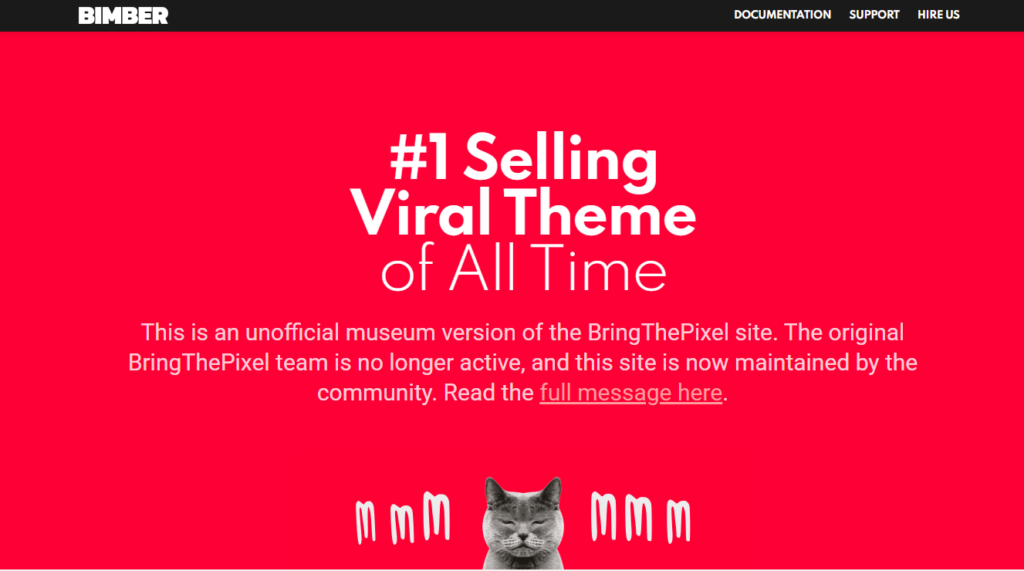
Beyond content creation, Bimber includes community-focused features such as frontend content submissions, user collections, badges, points, rankings, forums, social login, and membership support. These tools make it easier to build an active audience where readers can contribute, interact, and return regularly. It also supports WooCommerce, responsive layouts, and integrations that help grow an active online community.
Verdict: If audience engagement is your priority, Bimber gives you the tools to turn casual visitors into an active community.
9. Publisher: Best for Extensive Layout Options
Publisher combines advanced editorial tools with extensive customization, making it a powerful solution for growing online magazines and content-rich publications. With over 200 pre-built demos and an all-in-one approach, it helps you launch a professional magazine website without relying on multiple third-party plugins.
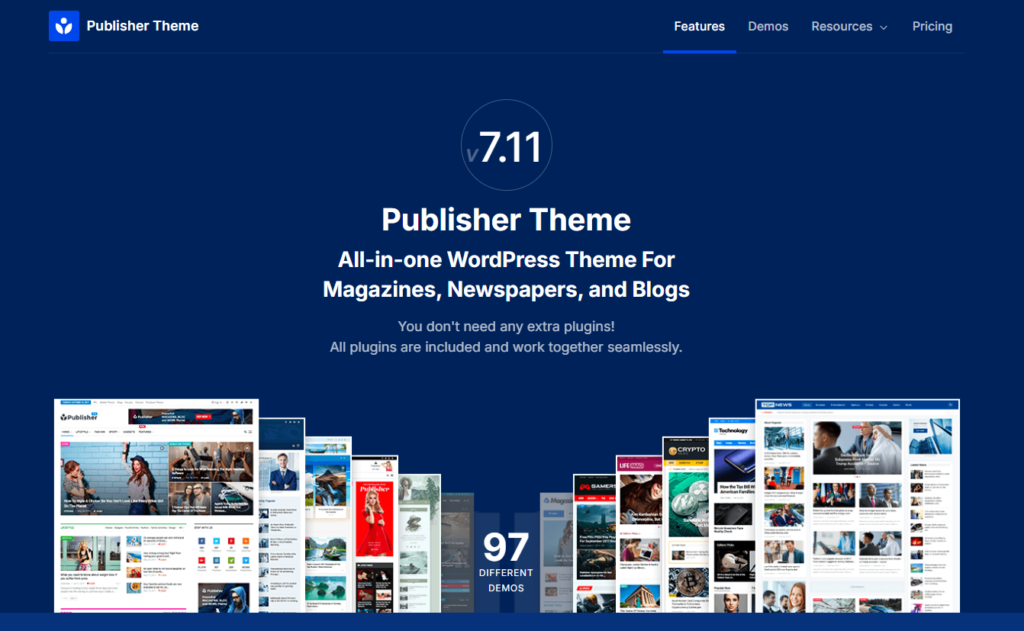
The theme includes built-in AMP support, advanced advertisement management, review functionality, smart lists, push notifications, newsletter integration, SEO-optimized code, WooCommerce compatibility, and more than 20 premium plugins. It also offers flexible homepage layouts, one-click demo import, and migration tools for switching from other popular magazine themes.
Verdict: Publisher is best suited for established publishers who want to streamline website management by keeping design, monetization, and audience engagement within a single ecosystem.
10. MagazineNP: Best for Easy-to-Customize Magazine Websites
MagazineNP is a reliable and well-optimized WordPress magazine theme designed for online magazines, news websites, and editorial blogs. Its clean layout, widget-based homepage, and featured content sections make it easy to showcase articles, categories, and trending stories without a complicated setup.
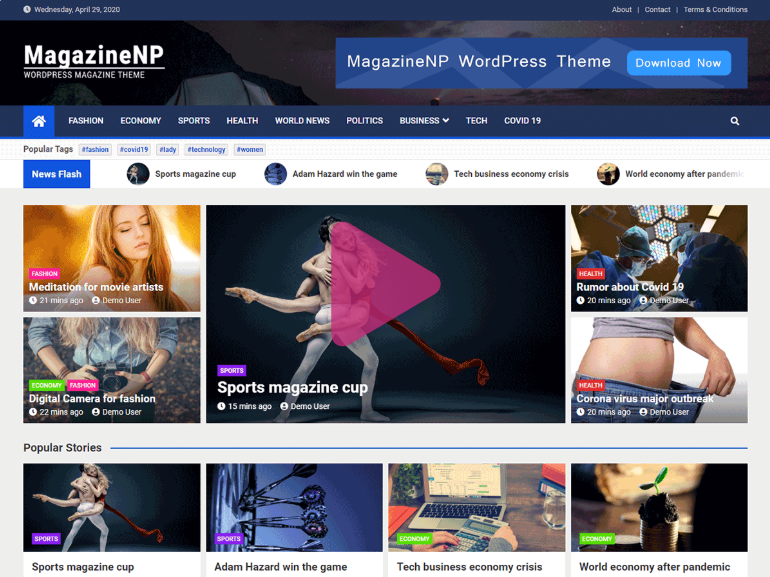
The theme is compatible with Gutenberg, Elementor, and WooCommerce, giving you flexibility to customize your website as it grows. It also includes SEO-friendly code, RTL and translation support, a live Customizer, and an easy homepage setup that helps beginners launch a magazine or news website quickly. With 2,000+ active installations and regular updates, MagazineNP is a dependable choice for content-driven websites.
Verdict: MagazineNP is a reliable choice for publishers who want a lightweight, feature-rich magazine theme that balances ease of use, customization, and performance.
11. ChromeNews: Best for Feature-Rich Free Magazine Websites
ChromeNews is a feature-rich WordPress theme that helps you create a professional news or magazine website without spending on a premium design. Its modern layouts, flexible widget areas, and responsive design make it easy to organize featured stories, category sections, and the latest articles for a better reading experience.
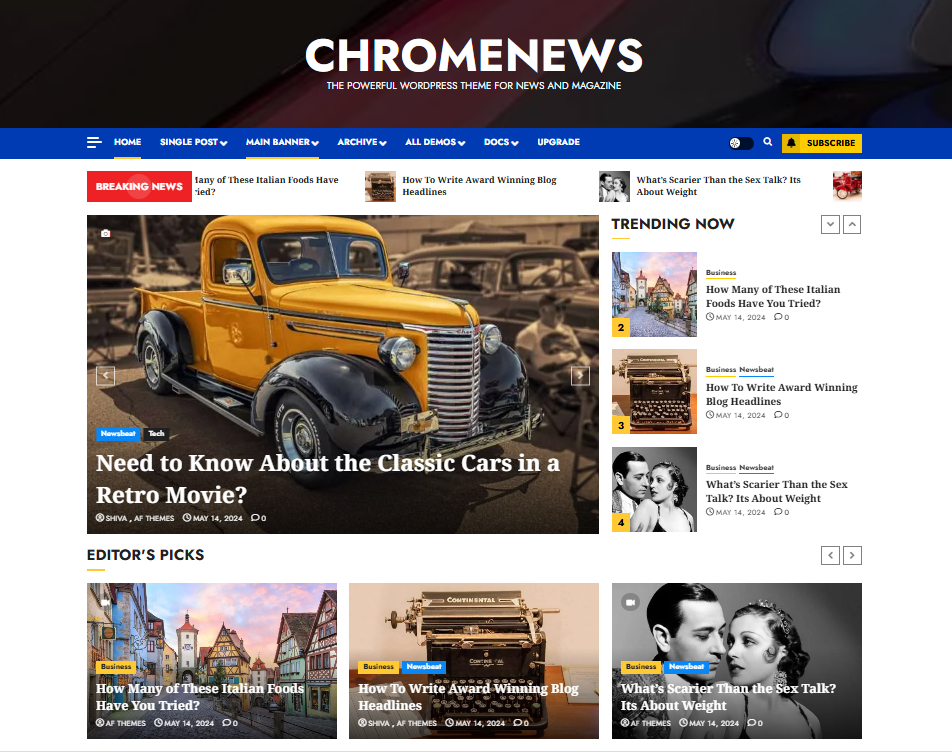
The theme includes Gutenberg and Elementor compatibility, multiple homepage layouts, dark mode, WooCommerce support, one-click demo import, translation readiness, responsive advertising areas, and SEO-friendly code. These features give you plenty of flexibility to build and grow an editorial website with minimal effort.
Verdict: ChromeNews stands out as a free magazine theme by combining a professional design with practical features that help you build and grow your publication.
12. HitMag: Best for Lightweight Magazine Websites
If you prefer a clean and distraction-free reading experience, HitMag delivers the essentials without unnecessary complexity. Its magazine-style homepage, featured content slider, and multiple blog layouts help you present articles in an organized and reader-friendly format.

The theme includes responsive layouts, Gutenberg compatibility, homepage widgets, footer widget areas, translation support, SEO-friendly code, and customization through the WordPress Customizer. It also offers related posts, author boxes, and flexible layout options, making it suitable for online magazines, news websites, and editorial blogs.
Verdict: HitMag strikes a great balance between simplicity and functionality, making it ideal for small magazines, editorial blogs, and content-focused websites.
Conclusion
Every theme in this list is purpose-built for magazine publishing, but each serves a different type of publication. As your website grows, the right foundation will make it easier to expand your content, improve the reader experience, and scale your online publication.
If you want a dedicated magazine theme that combines ready-made editorial layouts, Gutenberg-based customization, SEO-friendly performance, and monetization-ready features, WENS Press Pro is an excellent choice. Its nine ready-made demos, advanced Gutenberg blocks, and publishing-focused tools help you launch a professional magazine website faster without relying on multiple plugins or complex page builders.
Frequently Asked Questions
1. What features should a WordPress magazine theme have?
A good WordPress magazine theme should include flexible homepage layouts, category sections, featured content modules, advertisement support, responsive design, fast performance, and easy customization. Features like review systems, multimedia support, and Gutenberg blocks can further improve the publishing experience.
2. Are free WordPress magazine themes good enough?
Free magazine themes can work well for beginners and small publications. They usually provide basic layouts and customization options needed to publish content. However, premium themes generally include more homepage layouts, editorial widgets, advertisement placements, demo sites, and long-term support.
3. Which WordPress magazine themes work best with Gutenberg?
Many modern magazine themes support the WordPress Block Editor, but the level of integration varies. Themes like WENS Press Pro include dedicated Gutenberg blocks for featured stories, post sliders, and category sections, while others combine Gutenberg with their own homepage builders or layout systems. If you prefer using the native WordPress editor, choose a theme that offers built-in magazine blocks instead of relying on extra page builder plugins.
4. Can I use a magazine theme with my existing blog posts?
Yes. Magazine themes organize your existing posts and categories into their layout automatically. After activation, most themes let you assign posts to featured, trending, or category sections through the customizer or block settings. You do not need to rewrite or reformat old content. Your backlog becomes part of the new magazine homepage as soon as your categories are mapped to the theme’s sections.